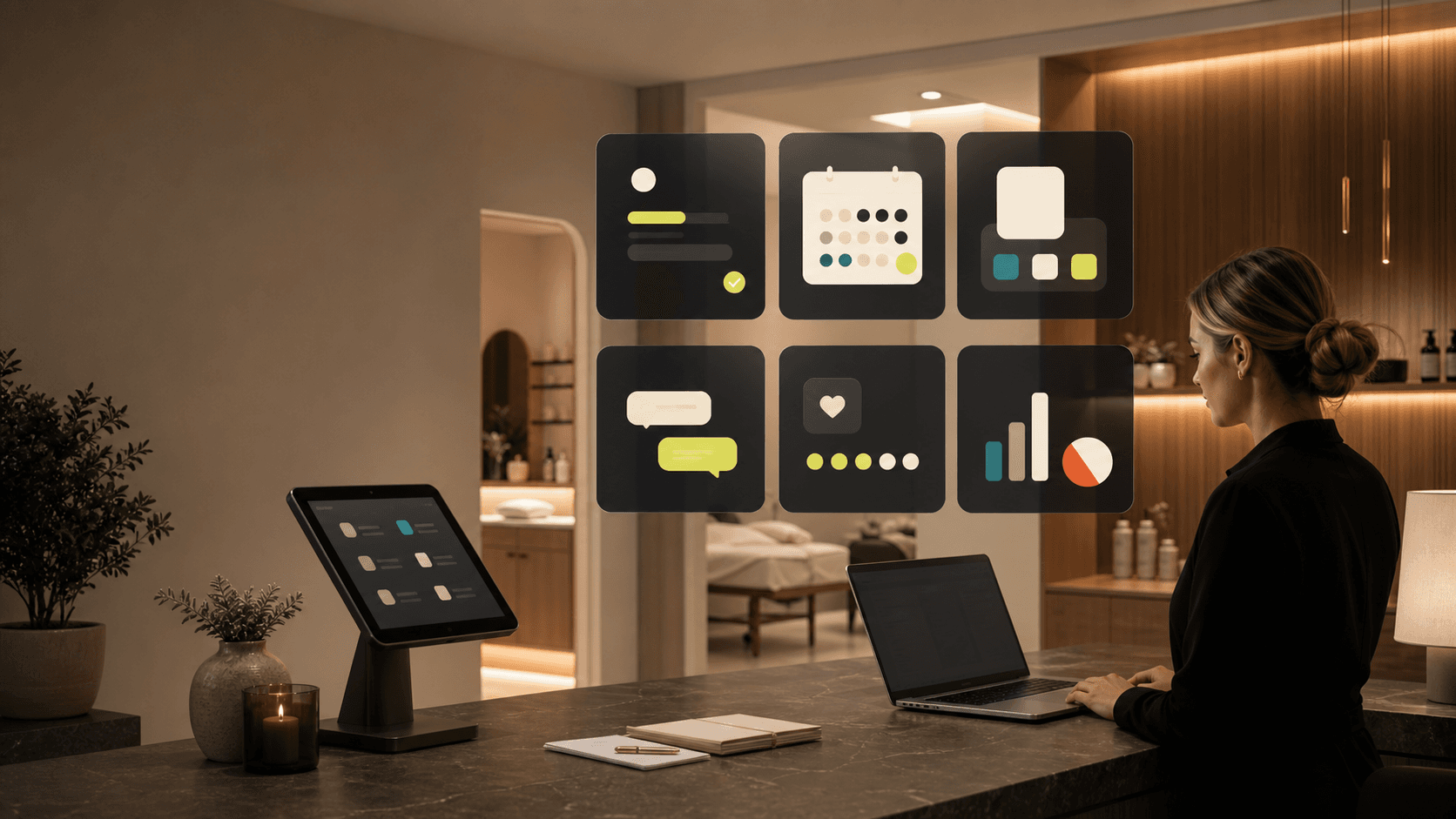
We start with public presence, intake, and non-PHI operational workflows — clarifying the offer, capturing leads cleanly, and tightening booking and follow-up. No patient-data handling until a compliance posture is explicitly scoped.
Vagaro, Mindbody, or Boulevard hold the calendar and the client list, but a new consult inquiry from Instagram or a Google search has no clean way in — it lands in a DM or a voicemail and never reaches the booking grid.
The phone is the CRM
A caller asking about a treatment, a price, or availability is handled live at the desk and then forgotten; there's no record that the inquiry happened, so no one knows to follow up when they don't book on the call.
Reviews live on Podium, leads die there
Weave or Podium fires review requests and two-way texts, but those conversations sit in a separate inbox from the calendar and the patient record, so a hot lead texting back about pricing never becomes a tracked consult.
Paper and PDF intake re-keyed by hand
Intake and consent forms come in on paper or a generic PDF, then a staff member retypes the same name, contact, and treatment interest into the booking system — the same data entered twice, with a transcription error every so often.
Recall and rebooking run on memory
Six-week filler touch-ups, hygiene recalls, and treatment-package next-sessions depend on a front-desk person remembering to call — when the schedule is busy, the recall list is the first thing that slips.
Owner flies blind between locations
The owner-operator can't see how many consult requests came in this week, how many converted, or which provider's column is empty next Tuesday without calling the desk or exporting a report from the booking tool.
Your stack today
From a ring of rented tools to one owned layer.
Most practices run a clinical/booking core surrounded by a ring of rented marketing and communication tools that don't talk to each other — here's the typical map and the owned surface that absorbs each job.
Job to be doneWhat you may be rentingIn the owned layer
Booking & calendarVagaro, Mindbody, Boulevard, Acuity, or NexHealthA booking layer (connects to your calendar) where a consult request becomes a held appointment in one flow, synced to the provider calendar
Practice / clinical systemDentrix, Eaglesoft, or a med-spa EHR (kept for clinical records)Kept as the clinical system of record — YInfra wraps the non-PHI operational layer around it, never inside it
Patient texting & reviewsWeave, Podium, or BirdeyeBranded two-way follow-up and review requests that share one inbox with the consult pipeline and contact record
Intake & consent formsPaper, JotForm, Typeform, or a PDF emailed backNon-PHI intake that flows straight into the CRM contact — captured once, no re-keying at the desk
Email marketingMailchimp, Constant Contact, or the booking tool's blast featureBranded email composed in-console, sent from the practice's own identity, tied to the contact's consult history
Public presenceWix/Squarespace site, Linktree, plus a Google Business ProfileA branded site and intake on the practice's own domain that carries the reviews and routes inquiries into the pipeline
Owner reportingBooking-tool exports dropped into a spreadsheetAn owner dashboard charting consult requests, conversion, and no-response leads from live CRM data
Capabilities
What the operating layer does in this sector.
AI Cameras
Room utilization tracking and no-show detection — vision scoped to operational patterns (room occupancy, throughput), not patient identity.
Graph Database
Client-treatment-referral network: maps which clients referred others, treatment histories (non-PHI), and referral value across the practice.
CRM
Non-PHI intake, consultation requests, and automated follow-up sequenced from first inquiry to booked appointment to post-visit check-in.
Branded Portal
Premium white-labeled console on the practice's own domain, logo, and color palette — the operating layer looks like their brand, not a vendor's.
In practice
How a consult inquiry becomes a booked, followed-up appointment
1
Inquiry lands
A question from the site, a Google Business Profile message, an Instagram DM, or a missed call is captured into one intake instead of living in a personal inbox or a sticky note at the desk.
2
Becomes a tracked contact
The inquiry enters the CRM as a contact with the treatment they asked about, the source it came from, and an owner — so it exists as a record the moment it arrives, before anyone picks up the phone.
3
Non-PHI intake captured once
Name, contact, and stated treatment interest come in through branded intake and attach to the contact, so the desk isn't retyping the same details into the booking tool by hand.
4
Booking held, reminders set
The consult is booked into the connected calendar against the right provider's column, and reminder messages are scheduled from the record rather than from someone remembering to send them.
5
Follow-up if it goes quiet
If a consult request stalls without booking, OpenClaw flags it past a set window and drafts a follow-up from the contact's history for staff to review and send — the lead doesn't just age out.
6
Owner sees the whole board
Consult requests, conversions, and no-response leads roll up to a dashboard the owner reads directly, instead of calling the front desk for a count or pulling a booking-tool export.
Before / after
What changes when it runs on owned rails.
Today
A consult inquiry lives in an Instagram DM or a voicemail
→
Owned layer
It enters a tracked consult pipeline with a source, a treatment, and an owner
Today
The same intake details get retyped from paper into the booking tool
→
Owned layer
Non-PHI intake is captured once and attached to the contact record
Today
Podium texts and the booking calendar live in separate inboxes
→
Owned layer
Follow-up, review requests, and the consult record share one branded surface
Today
Recalls and rebookings depend on a busy front desk remembering
→
Owned layer
Quiet consults and due recalls are flagged from the record and drafted for review
Today
The owner calls the desk to learn how the week is going
→
Owned layer
Consult volume, conversion, and gaps show on an owner dashboard from live data
How the work varies
The same Business OS idea, tuned to this operating model.
Public presence & booking
Public trust layer that makes strong reviews and clear booking visible.
Intake & follow-up
Non-PHI intake, consultation requests, reminders, and follow-up routing.
Owner visibility
Owner visibility across leads, booked consults, staff tasks, and missed handoffs.
First build
Start with the highest-friction handoff.
Start with the public presence and non-PHI intake path, then connect booking, follow-up, and CRM visibility once the handoff is stable.
Guardrail
No PHI, patient portals, HIPAA claim, or clinical automation unless the compliance posture is explicitly scoped.
FAQ
Med spas, dental, and clinics — straight answers.
Start with the public presence and non-PHI intake path, then connect booking, follow-up, and CRM visibility once the handoff is stable.
No PHI, patient portals, HIPAA claim, or clinical automation unless the compliance posture is explicitly scoped.
Owner visibility across leads, booked consults, staff tasks, and missed handoffs.
Ownership means portable data, exportable configuration, clear exit rights, and client-specific workflow IP. For managed cloud clients that is the model; literal infrastructure ownership is the self-host deployment case. Either way the operating layer is branded to your business, not rented from a vendor.
No. The clinical system stays your system of record. YInfra builds the operational layer around it — public presence, non-PHI intake, the consult pipeline, follow-up, and owner visibility — and does not handle clinical or patient data until a compliance posture is explicitly scoped separately.
It absorbs the operational jobs those tools do — two-way client texting, review requests, and follow-up — into one branded surface that shares an inbox with the consult pipeline and contact record. The diagnostic marks each current tool keep, replace, or integrate, so nothing is ripped out before the replacement is usable.
No. The booking layer connects to your calendar rather than forcing a migration, and the practice EHR or booking tool you depend on can stay. The value is the clean path from a new inquiry into a held appointment and a tracked record — the part the booking tool was never built to do.
No. OpenClaw drafts follow-ups and flags consult inquiries that have gone quiet, always with staff in the loop to review and send. It works on operational records — inquiries, sources, scheduling — not PHI, and it makes no clinical or treatment decisions.
Next step
Map this sector against your actual stack.
The consultation starts with your current public presence, intake, CRM, follow-up, software stack, and owner visibility. From there, the Business OS Diagnostic shows what to keep, replace, or connect first.