Same data typed three times
A new customer gets keyed into the booking app, again into QuickBooks, and again into the Mailchimp list — staff re-enter the same name and number into every tool because nothing syncs.

Who it's for
We map and replace the overlapping tools with owned workflows, then add AI only where the workflow is stable enough to support it — less rented software, fewer manual steps.
Signals
AI in this sector
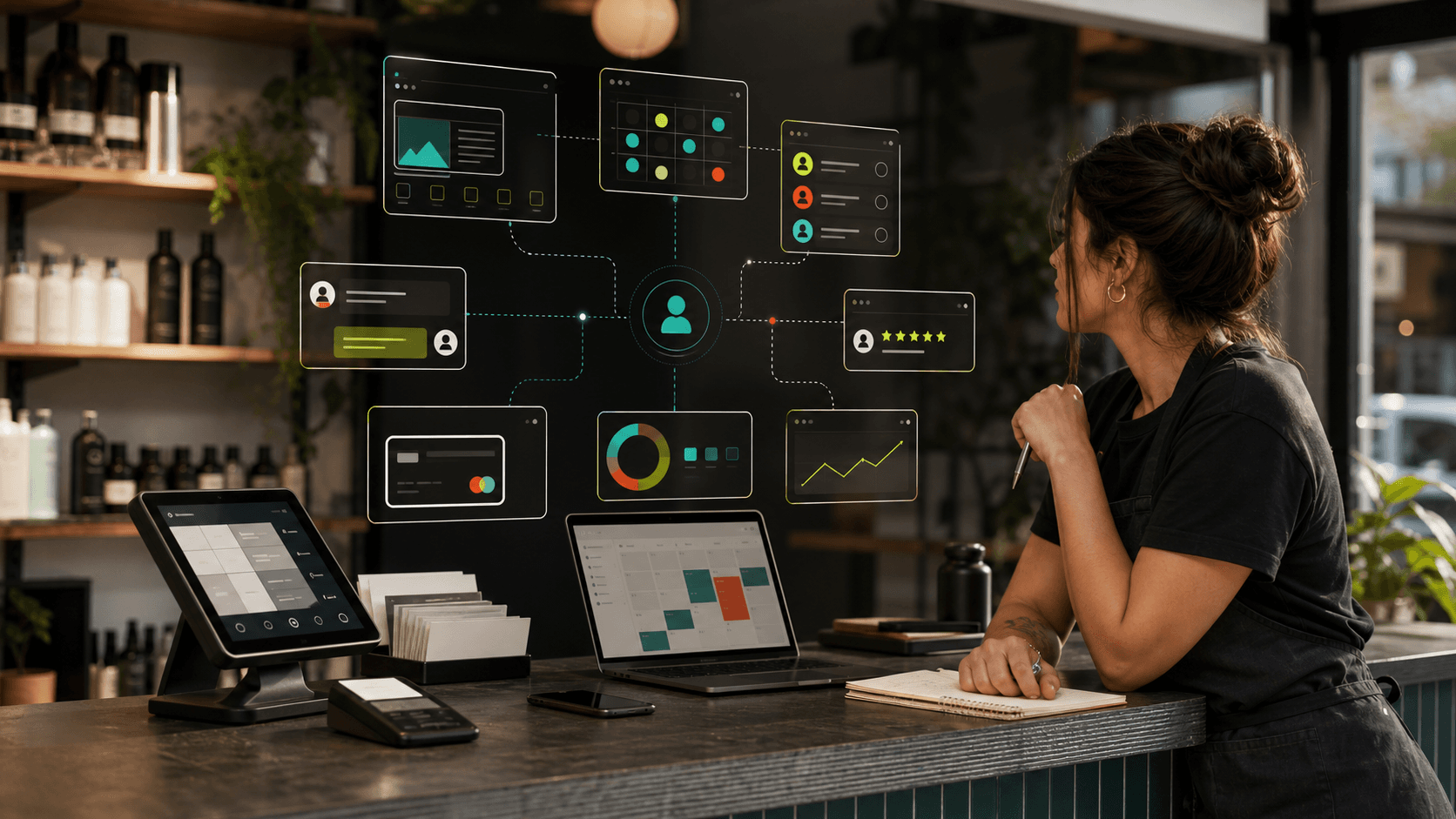
Graph layer: Customer-referral and repeat-visit patterns surface over time — which acquisition channels produce loyal customers and which produce one-off transactions, giving the owner a view that a flat CRM cannot produce.
Go deeper: Automation fabric · OpenClaw co-pilot
The problem
A new customer gets keyed into the booking app, again into QuickBooks, and again into the Mailchimp list — staff re-enter the same name and number into every tool because nothing syncs.
Wix or GoDaddy for the site, Square or Acuity for booking, a spreadsheet that is the real CRM, Mailchimp nobody sends from, and a Google Form for intake — overlapping subscriptions that each do one slice of the job.
Requests come in by the website form, a Gmail account, the business Facebook page, Yelp messages, and the phone — and no one place shows all of them, so whoever checks last wins.
The website doesn't know about the calendar, the calendar doesn't know about invoicing, and the owner is the human glue copying between them every evening after close.
Whether a quote gets chased, a review gets requested, or a repeat customer gets a reminder rides entirely on someone remembering — there is no system that does it on its own.
Booked work, outstanding invoices, and where leads came from live in three separate logins plus the owner's head, so a simple weekly health question turns into an evening of cross-checking.
Your stack today
The typical under-modernized local business is not missing tools — it has too many, each renting one slice of the job, none of them talking. Here is the usual pile and the owned surface that absorbs it.
Capabilities
Website, booking, CRM, email, SMS, payment, and review tools mapped against actual daily work — overlapping subscriptions and duplicate staff entry marked for retirement.
Leads arriving from forms, calls, and DMs land in one place instead of scattered across channels — captured and staged the moment they arrive.
Leads, customers, recurring tasks, and follow-up gaps in one branded view — so the owner sees business health without calling the front desk.
In practice
A request from the website form, a missed call, a Facebook message, or a walk-in gets captured into a single unified intake instead of whichever app the customer happened to use.
The lead is created as one CRM record — scored and staged — with no re-typing into a separate spreadsheet, booking app, or contact list.
The appointment is scheduled against the connected calendar and the confirmation sends automatically, all from the same customer record rather than a standalone booking tool.
Quote chases, reminders, the invoice, and the post-job review request fire from the workflow on their own — not from someone remembering to do them.
Booked work, open invoices, and lead source roll up into one branded dashboard, so the owner answers 'how are we doing?' from a screen instead of three logins and the front desk.
Before / after
The same customer typed into the booking app, QuickBooks, and the email list by hand
Entered once into one record every tool reads from
A spreadsheet that is secretly the CRM, owned by whoever last edited it
A real pipeline where every contact, history, and next step lives in one place
Leads scattered across form, phone, Facebook, and Yelp with no shared view
One unified inbox that captures every channel into the same intake
Six overlapping subscriptions none of which talk to each other
One owned operating layer where the modules are wired together by default
Follow-up and review requests that happen only when someone remembers
Automated sequences that run off the workflow whether or not anyone is watching
How the work varies
Website, booking, CRM, email, SMS, payment, and review tools mapped against actual daily work.
Tool consolidation where rented software overlaps or creates duplicate staff entry.
Owner dashboard around leads, customers, recurring tasks, and follow-up gaps.
First build
Start with the highest-friction handoff: lead capture, booking, CRM, or follow-up, then retire tools only after the replacement is usable.
Guardrail
Do not force a migration when a tool should be kept; mark each current tool keep, replace, or integrate in the diagnostic.
FAQ
Start with the highest-friction handoff: lead capture, booking, CRM, or follow-up, then retire tools only after the replacement is usable.
Do not force a migration when a tool should be kept; mark each current tool keep, replace, or integrate in the diagnostic.
The owner gets one clean view of leads, work, and follow-up instead of piecing it together from memory and spreadsheets.
Ownership means portable data, exportable configuration, clear exit rights, and client-specific workflow IP. For managed cloud clients that is the model; literal infrastructure ownership is the self-host deployment case. Either way the operating layer is branded to your business, not rented from a vendor.
Yes. This sector is the catch-all for under-modernized local businesses — auto shops, accountants, law offices, gyms, salons, repair shops, real estate teams, caterers. The common pattern is overlapping rented tools, manual re-entry, and weak owner visibility, not a specific trade. The diagnostic maps your actual daily work, whatever the business does.
No. The diagnostic marks each current tool keep, replace, or integrate, and nothing is ripped out for its own sake. If your payment processor or a booking tool earns its place, it stays and gets connected. We replace the overlapping clutter and the manual handoffs between tools, not the tools that are genuinely working.
With the single highest-friction handoff — usually lead capture, booking, the CRM, or follow-up — and we only retire a tool once its replacement is usable. You get one clean handoff working before anything else moves, so the business never goes dark mid-switch.
The point is fewer moving parts, not more. Six logins collapse into one branded console, the manual copy-paste steps go away, and OpenClaw helps with drafting and triage inside that console. We train the owner and staff on the operating rhythm so the day-to-day is simpler than the pile it replaces.
Next step
The consultation starts with your current public presence, intake, CRM, follow-up, software stack, and owner visibility. From there, the Business OS Diagnostic shows what to keep, replace, or connect first.